

Filming on a smart phone
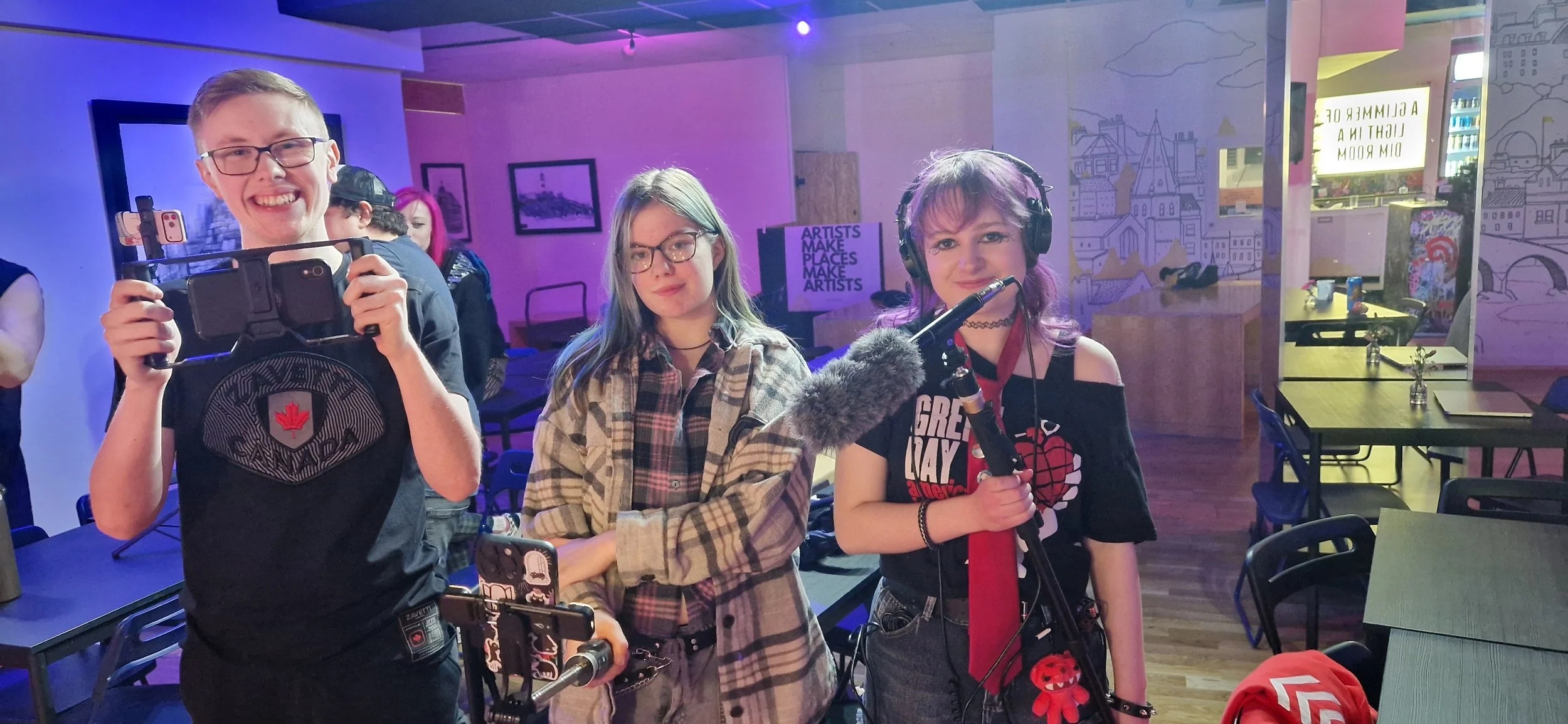
Hey, this is Jamie Cramb back with another blog! I’ll be talking about what Sam, Jade, Ryan, Gregg, and I, the volunteer group, did a few Saturdays ago, which was how to film with your own phone.
Now, you might be thinking, “filming with your phone really!? That’s what you’re learning about?”… well, we do know HOW, but I am more talking about filming with it professionally, like for documentaries or movies. So I will be talking about what I have learned from it, and hopefully you will learn something also. Let’s begin!
Now, I was really looking forward to this to learn more tips on how to film on my phone and to get to know how to put it all together. The person who was teaching us was a woman named Ashley, and she was very nice to us and asked about who we all were and our personalities, and I’ll just say we were already off to the races. Now, Ashley then talked about what she had done in the film-making industry as she showed off pictures and clips of her previous work, one where she had an interview with her grandpa, and one where she was interviewing the captain of the female Rangers team. She said that the captain was very nervous for this interview, and there were several times they mixed up some parts of that interview, and I definitely saw that. One trick that Ashley showed us was how to access the grid feature, which you can put on your camera to see lines on the camera lens for you to know how to frame and angle your film, which was a very useful feature.
So, by this point, we are now going to practice doing a production. I was going to film first, and I would have to do it using special equipment called a stabilizer which holds your phone in place. I have had experience with a stabiliser in the past, so I knew how it worked, and quite stupidly on my part, I was also trying to experiment with different ways to film it, and I picked the slow-motion setting on the camera to see how it looked. What Ashley was doing was she was going to pretend like she was presenting a pitch for her upcoming animated series, and combined that with me having it on slow-mo, and it was not good quality filming-wise. To quote chuck form better call Saul, “WHAT WAS I THINKING!”, so when we did it for a second time, the quality of the video was much better. Ashley also had an interview with Sam, and I changed roles to be the clipboard guy… LIGHTS, CAMERA, ACTION!
As Sam and Ashley were having the interview, Gregg, during the middle of it, noticed that the mics Sam and Ashley had on weren’t working and the sound wasn’t coming through, so he had to get it working during the middle of it. This sometimes is quite common with productions, as studio equipment can go wrong at any time when you are filming, so you have to be on high alert for it. After we were done filming, we had to edit it. Now Sam and I have been trying to sort out editing for a while now, so it would help us understand how to use it, but there was a problem… how do we all get the footage and send it to Ashley? Well, Ashley had two options, number 1 QR code, or number two, which I am so happy to know exists, and that’s Airdrop, which I went for, and I did not know about this like ever! So that’s another thing I learned from this. So, the next time I have to do something like this, I am choosing Airdrop hands down.
As we were in the process of sorting out the editing, we sadly ran out of time, but I still felt like I gained a lot from it, along with everyone else who attended.
I really enjoyed filming with the smartphone and learning more about what you can do with it. I want to give Ashley a massive shout-out for teaching us through it. We welcome her to come back anytime.
That’s all from me just now. Thanks for reading this blog, and there will be more blogs from me soon.
Jamie.